
























Original price was: LKR 38,900.00.LKR 32,900.00Current price is: LKR 32,900.00.





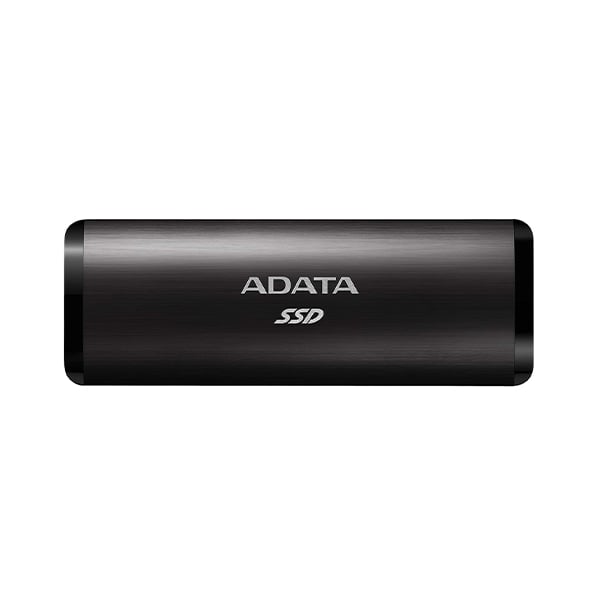
ADATA SE760 1TB External Solid State Drive
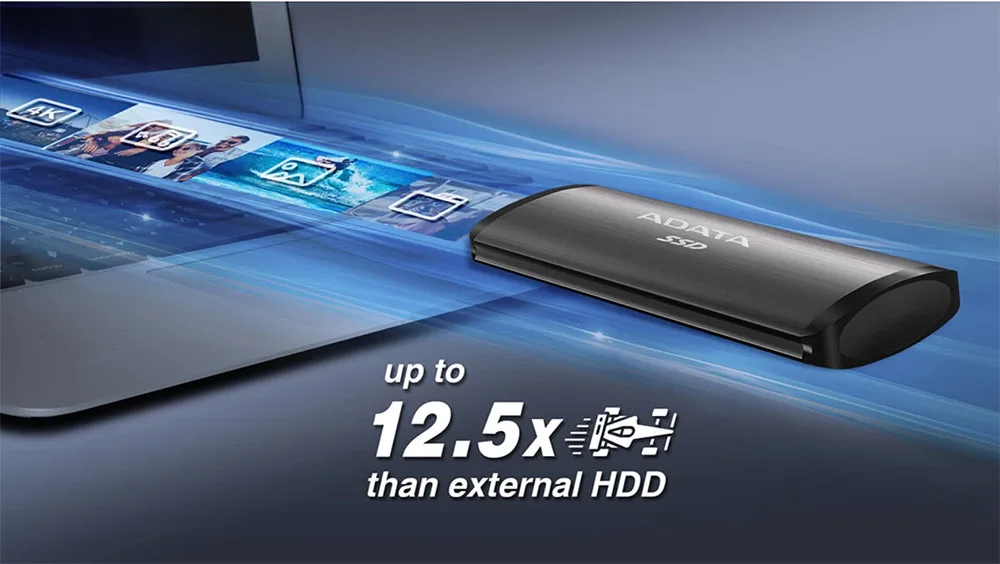

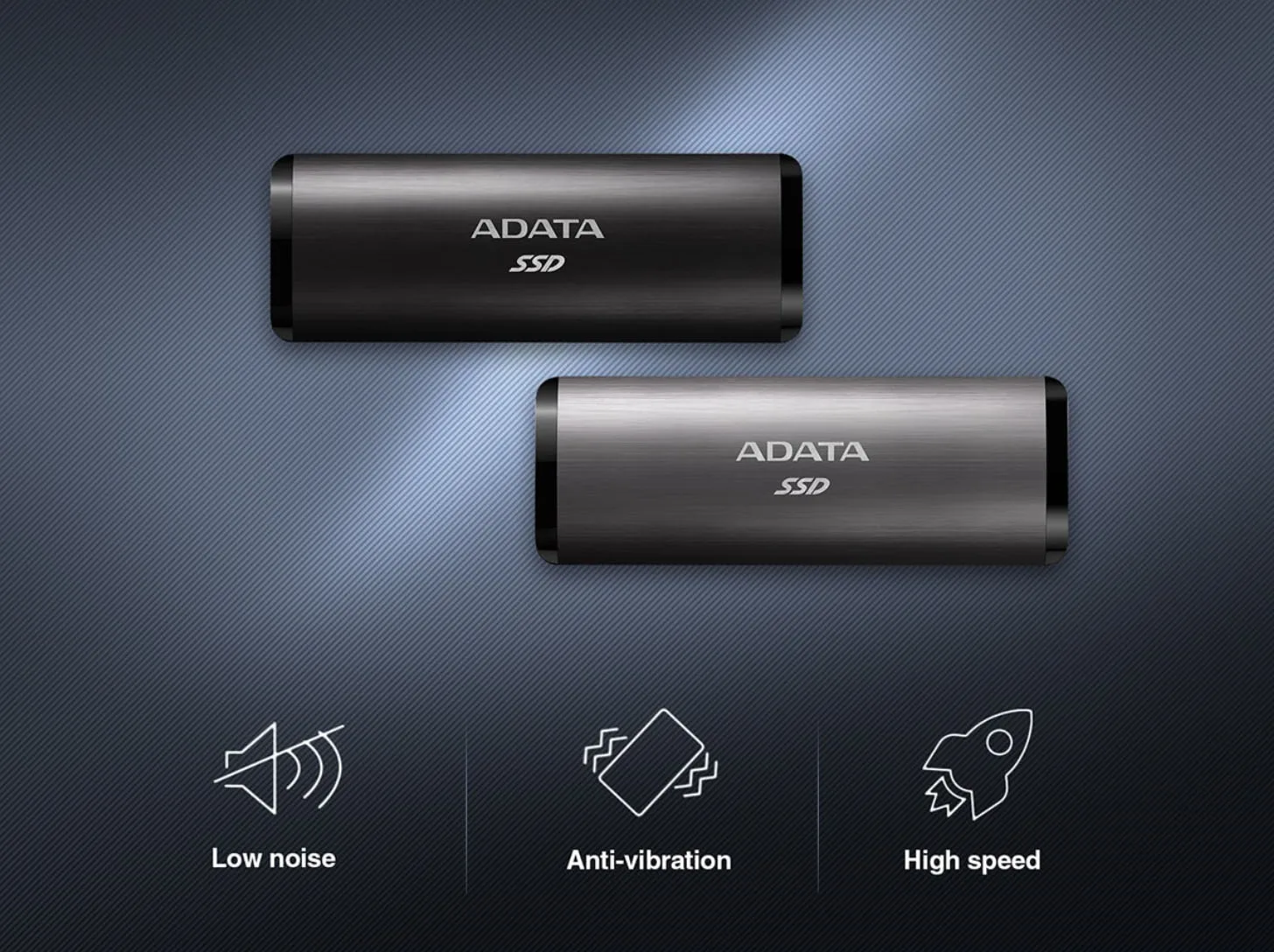
With no mechanical components, SSDs are smaller and more resilient than HDDs. They are more resistant to shock, vibration, and therefore provide better protection for data. What?s more, SSDs also run silently.
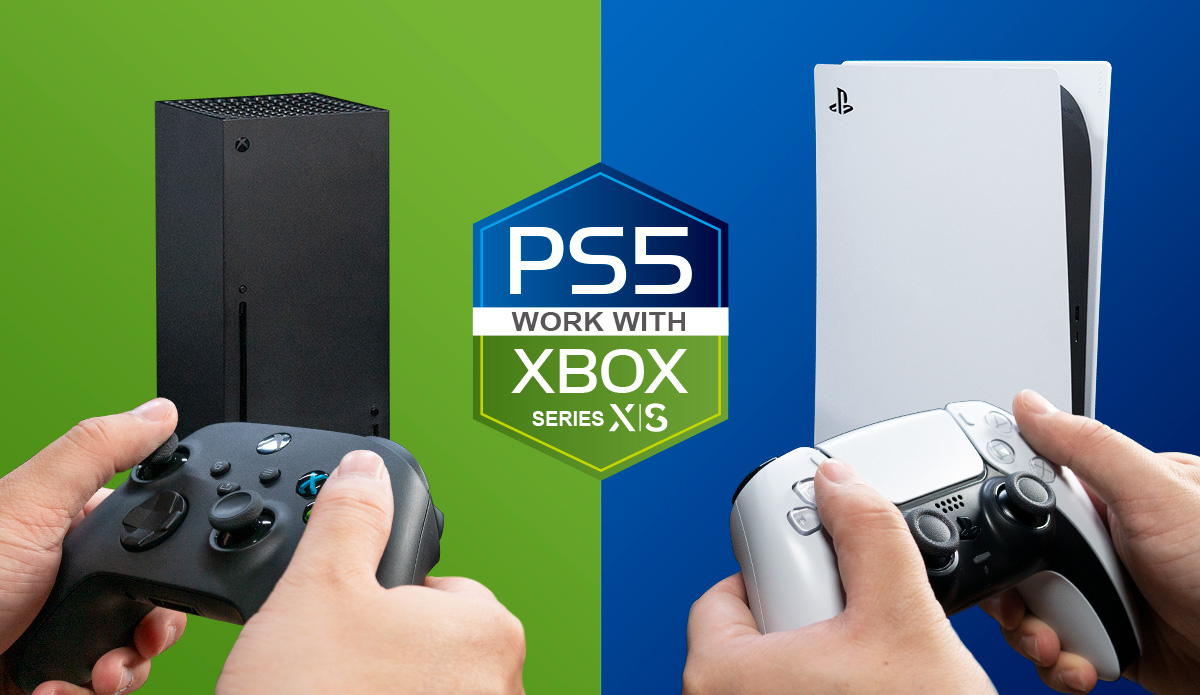
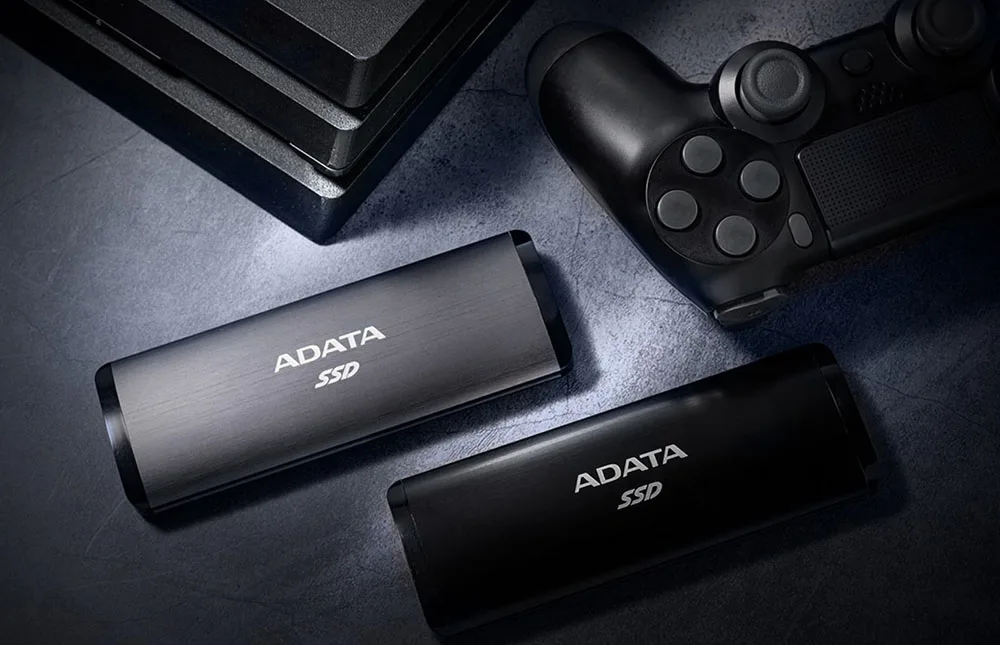
The SE760 can be connected to game consoles and be used as backup storage for games that are not currently being played. For older game consoles, the SE760 can help to improve game loading performance for a more seamless experience.
Color
Black / Titanium Gray
Capacity
256GB / 512GB / 1TB / 2TB
Dimensions (L x W x H)
122.2 x 44 x 14mm / 4.8 x 1.73 x 0.55inch
Weight
95g / 3.35oz
Interface
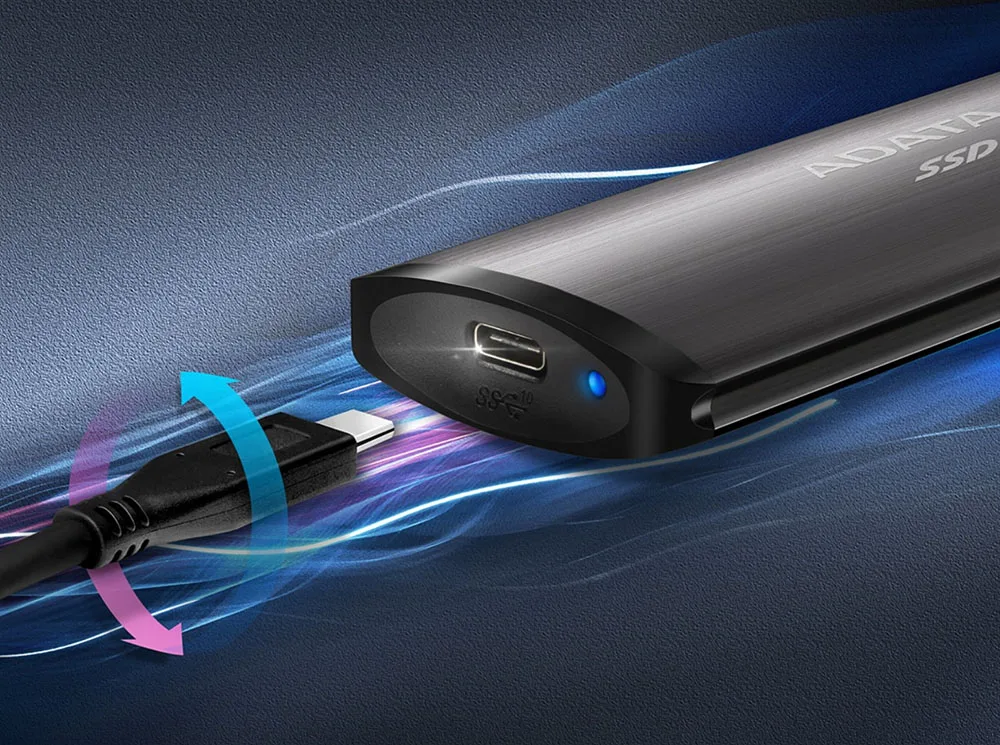
USB 3.2 Gen 2 Type-C (USB 10Gbps)
Sequential Read (Max*)
Up to 1050 MB/s
Sequential Write (Max*)
Up to 1000 MB/s
Operating system requirements
Windows 8 / 8.1 / 10/11
Mac OS X 10.6 or later (reformatting required for use)
Linux Kernel 2.6 or later
Android 5.0 or later
Op. Temperature
5?C(41?F) - 50?C (122?F)
Op. Voltage
DC 5V, 900mA
Accessories
USB 3.2 Type-C to C cable,USB 3.2 Type-C to A cable, Quick Start Guide
Warranty
1 year Warranty
Note
- Product includes USB-C to USB-C cable and USB-C to USB-A Cable. Connection to microUSB requires separate cable, not included.
- Compatibility with specific host devices may vary and could be affected by system environment.
- Connecting via USB 2.0 requires plugging in to two USB ports for sufficient power delivery. A USB Y-cable will be needed.
- Please note that USB Implementers Forum recently rebranded USB 3.2 Gen2 to USB 10Gbps.
- For use with macOS devices, reformatting is required.