










The Right Adapter for Every Device, Every Situation!
In a world powered by technology, the humble adapter has become a vital part of our daily lives. Whether it’s connecting a laptop to an external monitor, charging your phone, or plugging into a different power outlet while traveling, adapters serve as the link that makes it all work seamlessly. With a wide range of adapters on the market, knowing which one to choose for your needs can be overwhelming.
In this guide, we’ll explore the importance of adapters, the different types available, top brands, and how to pick the right one for your devices.
The Importance of Adapters
Adapters may seem like small, simple gadgets, but their role is crucial in modern tech setups. Here’s why they matter:
1. Compatibility: Different devices often use different connection standards. Adapters allow you to connect older devices with newer technology, ensuring that you don’t have to upgrade your entire setup just to get things working.
2. Convenience: Instead of buying a new charger, display cable, or power cord every time you get a new device, adapters allow you to use your existing accessories. This reduces clutter, saves money, and simplifies your tech setup.
3. Travel-Friendly: Whether traveling domestically or internationally, adapters make it possible to charge and use your devices in regions where plug and socket types differ. A universal travel adapter is a must-have for globetrotters.
4. Power Conversion: Some adapters not only change the plug type but also convert voltage, allowing devices from one region to be safely used in another.
5. Connecting Peripherals: Adapters help connect peripherals like keyboards, mice, monitors, and projectors to laptops and desktops, especially when ports like HDMI, USB-C, or Ethernet are in limited supply.
Types of Adapters
There’s a wide variety of adapters available, each serving a specific function. Let’s take a look at the most common types:
1. Power Adapters
These are used to convert AC power from wall outlets into the proper voltage and current for your devices. Power adapters are essential for charging laptops, smartphones, and other gadgets. There are also voltage converters that allow devices from one region to be used in another with different voltage standards.
2. Travel Adapters
Travel adapters allow you to plug your devices into foreign outlets with different plug types. They don’t convert voltage, but they do make sure you can physically connect your devices when traveling abroad. Universal travel adapters cover multiple plug types, making them perfect for international travelers.
3. USB Adapters
– USB-C to USB-A: Converts newer USB-C ports into older USB-A ports, allowing you to use older peripherals with modern devices.
– USB-C to HDMI/VGA: Lets you connect a USB-C enabled laptop or tablet to an external monitor or projector.
– USB to Ethernet: Converts a USB port into a wired Ethernet port, which is useful for laptops without built-in Ethernet ports.
4. Audio Adapters
– 3.5mm to Lightning: For Apple users, this adapter connects standard headphones or AUX cables to newer iPhones without headphone jacks.
– 3.5mm to USB-C: Similar to the Lightning version, this adapter allows you to connect wired headphones to USB-C only devices like some Android phones.
– Bluetooth Audio Adapters: These allow you to connect wireless headphones or speakers to devices without built-in Bluetooth.
5. Video Adapters
– HDMI to VGA: Converts an HDMI output into VGA, useful for connecting modern laptops to older projectors or monitors.
– DisplayPort to HDMI: Converts DisplayPort outputs on PCs or laptops to HDMI, which is the standard for most monitors and TVs.
– USB-C to HDMI: Allows users to connect modern USB-C enabled devices (like MacBooks) to HDMI-compatible displays.
6. Charging Adapters
Charging adapters are designed to allow devices to charge from different power sources, such as USB-C power delivery (PD) chargers that offer faster, universal charging for phones, laptops, and other electronics.
7. Network Adapters
Network adapters convert one form of network connectivity to another. Common types include USB to Ethernet adapters, or Wi-Fi to Ethernet adapters, which allow devices without wireless or wired network capabilities to connect to the internet.
Top Brands for Adapters
When it comes to adapters, quality matters. Here are some trusted brands that consistently produce reliable and durable adapters:
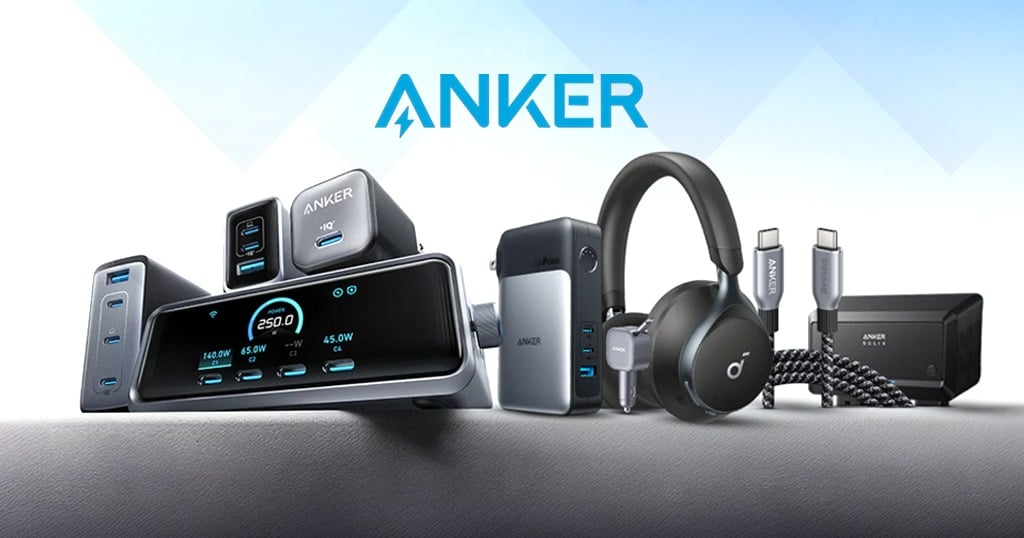
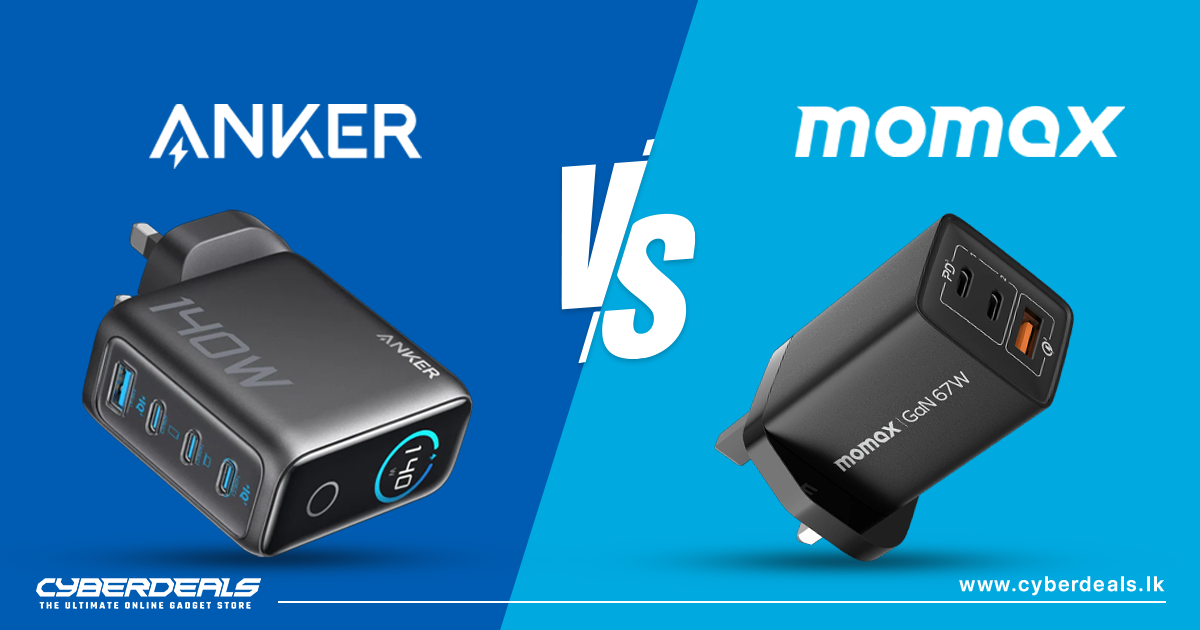
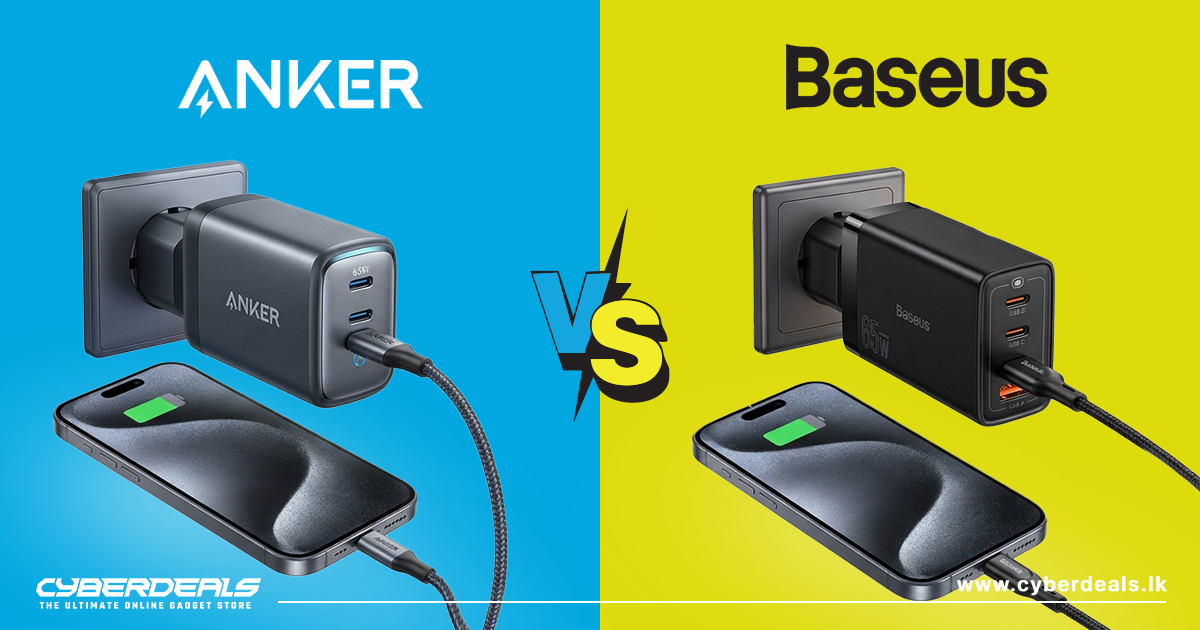
1. Anker: Known for its affordable yet high-quality power adapters and chargers. Anker offers a wide range of USB adapters, travel chargers, and USB-C hubs.
2. Belkin: A leader in connectivity solutions, Belkin offers everything from USB-C adapters to multiport hubs and high-performance HDMI adapters. Their products are known for durability and compatibility.
3. Apple: For Apple users, official Apple adapters such as the Lightning to 3.5mm headphone adapter or USB-C to Lightning adapters are designed to work seamlessly with their devices.
4. TP-Link: Specializing in networking, TP-Link produces reliable USB-to-Ethernet adapters, Wi-Fi adapters, and network extenders.
5. UGREEN: A budget-friendly brand offering a wide range of adapters, from USB-C hubs to HDMI and Ethernet adapters. UGREEN products are known for their affordability and compatibility with a range of devices.
6. JSAUX: Known for its rugged, durable design, JSAUX provides quality adapters, from USB-C to HDMI and Ethernet options, often with a more robust construction.
7. AmazonBasics: For affordable, no-frills solutions, AmazonBasics offers a wide variety of adapters, including USB, HDMI, and power adapters at budget-friendly prices.
Common Uses of Adapters
Here are some everyday scenarios where adapters come into play:
1. Connecting External Displays: Need to extend your laptop screen to a monitor or projector? HDMI, DisplayPort, and USB-C adapters make this connection easy.
2. Charging on the Go: Traveling abroad? A travel adapter ensures you can charge your devices in any country, while a USB-C to Lightning adapter keeps your phone powered up anywhere.
3. Connecting Legacy Devices: Have an older device that only uses VGA but your laptop only has HDMI? A video adapter lets you connect without upgrading your entire system.
4. Faster Network Connections: While Wi-Fi is convenient, a wired Ethernet connection is often faster and more stable. USB to Ethernet adapters allow devices without Ethernet ports to tap into this faster connection.
5. Using Wired Headphones: With the elimination of the 3.5mm headphone jack in many smartphones, adapters like USB-C or Lightning to 3.5mm allow you to continue using your favorite wired headphones.
6. Expanding Ports on Laptops: Modern laptops often come with limited ports. Multiport adapters and USB hubs expand your laptop’s capabilities, allowing you to connect everything from USB drives to external displays with ease.
Why Adapters are a Must-Have for Every Tech Setup
Adapters are the unsung heroes of modern technology, offering flexibility and compatibility in a world where devices, ports, and standards are constantly evolving. Whether you’re travelling, working, or just trying to connect your gadgets, the right adapter can make all the difference. With options for every need – from power and charging to audio, video, and networking – adapters keep your tech setup running smoothly.
Find the Perfect Adapter for Your Needs!
Ready to simplify your tech life? Browse our collection of high-quality adapters and find the right solution for your devices. Whether you need a power adapter for your next trip, a USB-C hub, or an HDMI converter, we’ve got you covered.
Shop now and stay connected, wherever you are!
Check out CyberDeals.lk for more amazing electronic gadgets and accessories with unbeatable discounts and offers in Sri Lanka. For latest technology, tech news and reviews, stay tuned on our website as we bring in more cool tech updates through our blogs.